News · Technology
BubbleLoader Hides in Tampered WinRAR Copies. Check Where You Download
BubbleLoader turns modified copies of familiar Windows applications into malware carriers. Here is what the research found and what users can do about it.
Event date: 2026-11-17

The icon looks familiar, and the application name is one you have seen for years. Often, that is enough to make opening a file feel routine. New research into BubbleLoader is a reminder that a recognizable name does not prove the program's contents are still genuine.
In a report published on November 17, 2026, ReversingLabs researcher Robert Simmons examined a loader that turns modified Windows applications into carriers for additional malware. Observed host programs include WinRAR, x64dbg, Windows Media Player, Firefox Launcher and virtiofs.
This does not mean the official WinRAR installer is infected
That distinction matters. The report concerns executables altered by attackers. It is not an announcement that every WinRAR user is infected or that the vendor's official download channel has been breached. Nor does it identify one specific WinRAR version as the cause.
Think of the familiar program as packaging. An attacker changes its entry point and adds two PNG-like objects to start hidden stages. The issue is the modified copy, rather than the mere presence of an application called WinRAR on your computer.
Two PNGs, but only one is a real image
One PNG contains a red-to-blue gradient and supplies key material for decrypting the next stage. The other only starts like a PNG before switching to encrypted code. After several stages, an additional payload is loaded directly into memory.
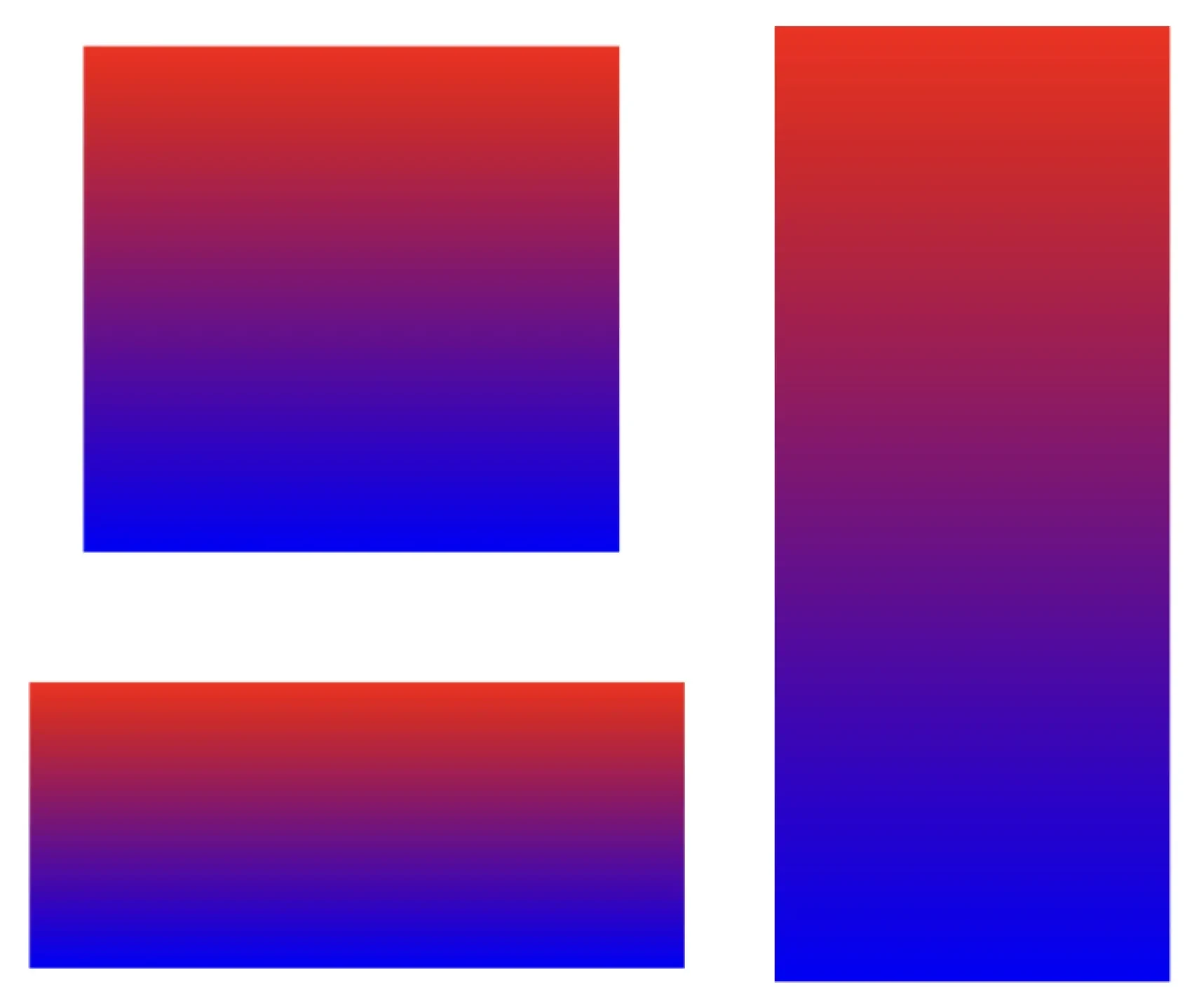
This does not mean opening an arbitrary PNG photo automatically runs BubbleLoader. In the research, those objects were part of an already modified program. A normal-looking filename or icon is simply not enough to establish that the executable is authentic.
A changing fingerprint does not make it undetectable
BubbleLoader changes certain parts of its payload while running, so the unpacked payload's in-memory hash can differ on each execution. A hash is a digital fingerprint. Matching a single fingerprint is therefore not always enough to track the payload after unpacking.
ReversingLabs recommends code-signing verification, application allowlisting, entry-point integrity checks and monitoring memory behavior. Early samples appeared in February 2026, with activity clusters in mid-September and early October. The report does not establish how the tampered programs reach victims or one final payload shared by every sample.
What should you do if you use WinRAR?
You do not need to assume your PC is infected. Start by checking that your application downloads come from RARLAB's official download page. Keep software current, while remembering that updating alone is not proof of cleanup after a malicious copy has already run.
If you have opened a suspicious executable, stop using it and run a scan with up-to-date security protection. Microsoft provides Microsoft Defender Offline under Windows Security → Virus & threat protection → Scan options. Save your work first because it restarts the PC. On a work laptop, contact IT and follow your organization's response process.
The practical takeaway is simple: familiar software still needs a trustworthy source. Before opening an installer someone sent you or a package from an unclear download site, take a moment to check where it came from. That habit is more useful than trusting an icon just because it looks right.
Sources & references
- ReversingLabs — Threat Researcher’s Notebook: BubbleLoader, November 17, 2026 ↗www.reversinglabs.com
- RARLAB — official WinRAR downloads ↗www.rarlab.com
- Microsoft — Microsoft Defender Offline scan ↗learn.microsoft.com
- Help Net Security — BubbleLoader coverage, November 18, 2026 ↗www.helpnetsecurity.com