News · AI
Kling Image 4.0 Adds Native 8K and Connected Image Sets
Kling Image 4.0 adds native 8K output, longer text and Series Mode for up to 10 connected images. Here is what the official guide shows and where access limits matter.
Event date: 2026-11-18
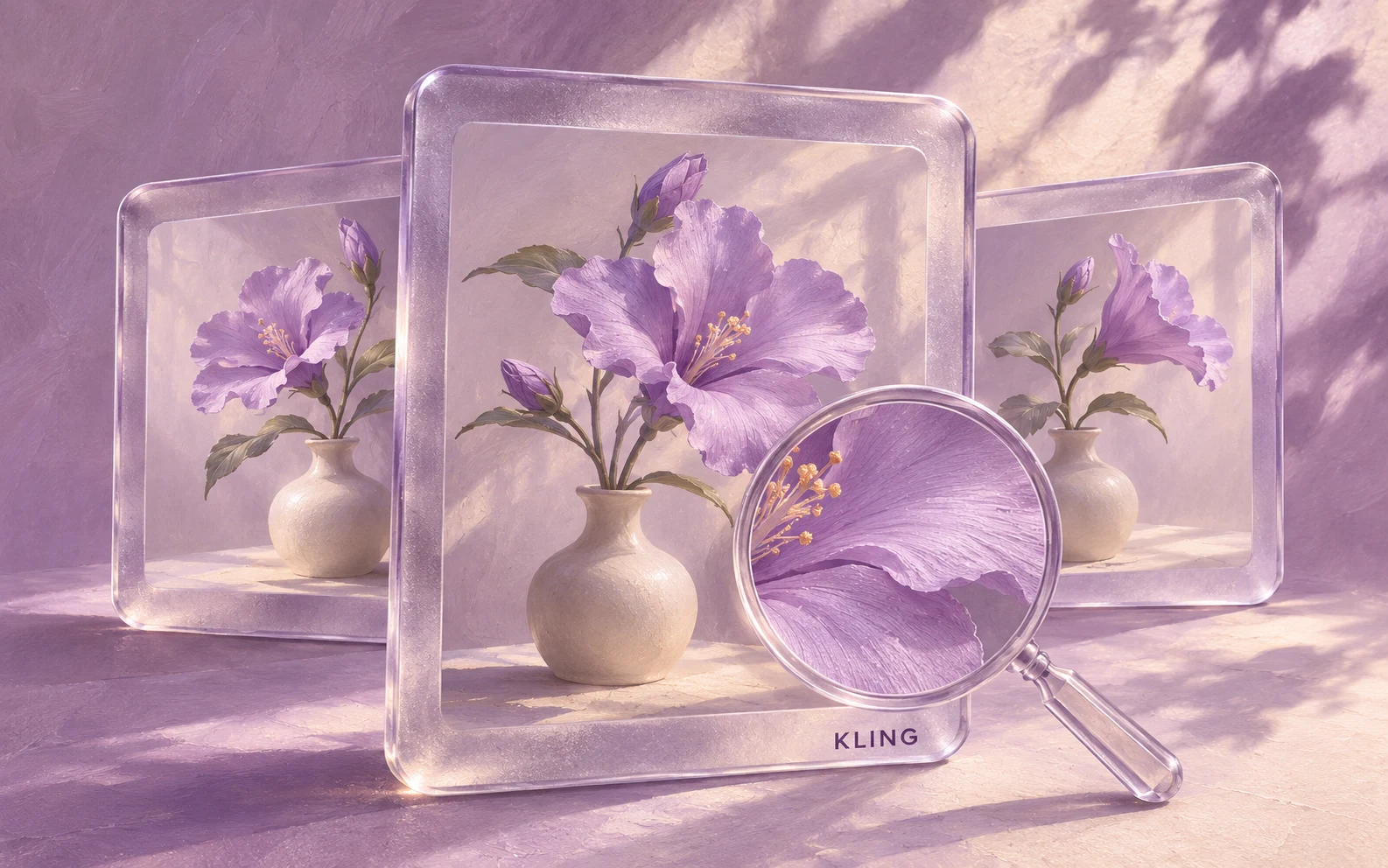
Making one attractive AI image is one thing. Producing five product shots with a consistent shape, color and mood can be much harder. Kling Image 4.0 targets that problem with Series Mode, alongside a jump to native 8K image output.
Kling’s official guide, dated November 18, 2026, describes the update. Beyond finer image detail, the focus is on text, following instructions and organizing a coherent set of visuals—practical concerns for creators working on a series rather than a single picture.
More than a larger resolution number
| Feature | Capability stated by Kling |
|---|---|
| Resolution | Native 2K, 4K and 8K options |
| Series Mode | Up to 10 connected images in one generation |
| References | Up to 10 input images |
| Text inside an image | Up to 2,000 characters |
| Instructions | Up to 15,000 input tokens |
Higher resolution gives you more room to crop or display detail. More pixels do not automatically fix composition, anatomy or spelling, though. Inspect the output at full size, especially before using it for print or product promotion.
Default Mode versus Series Mode
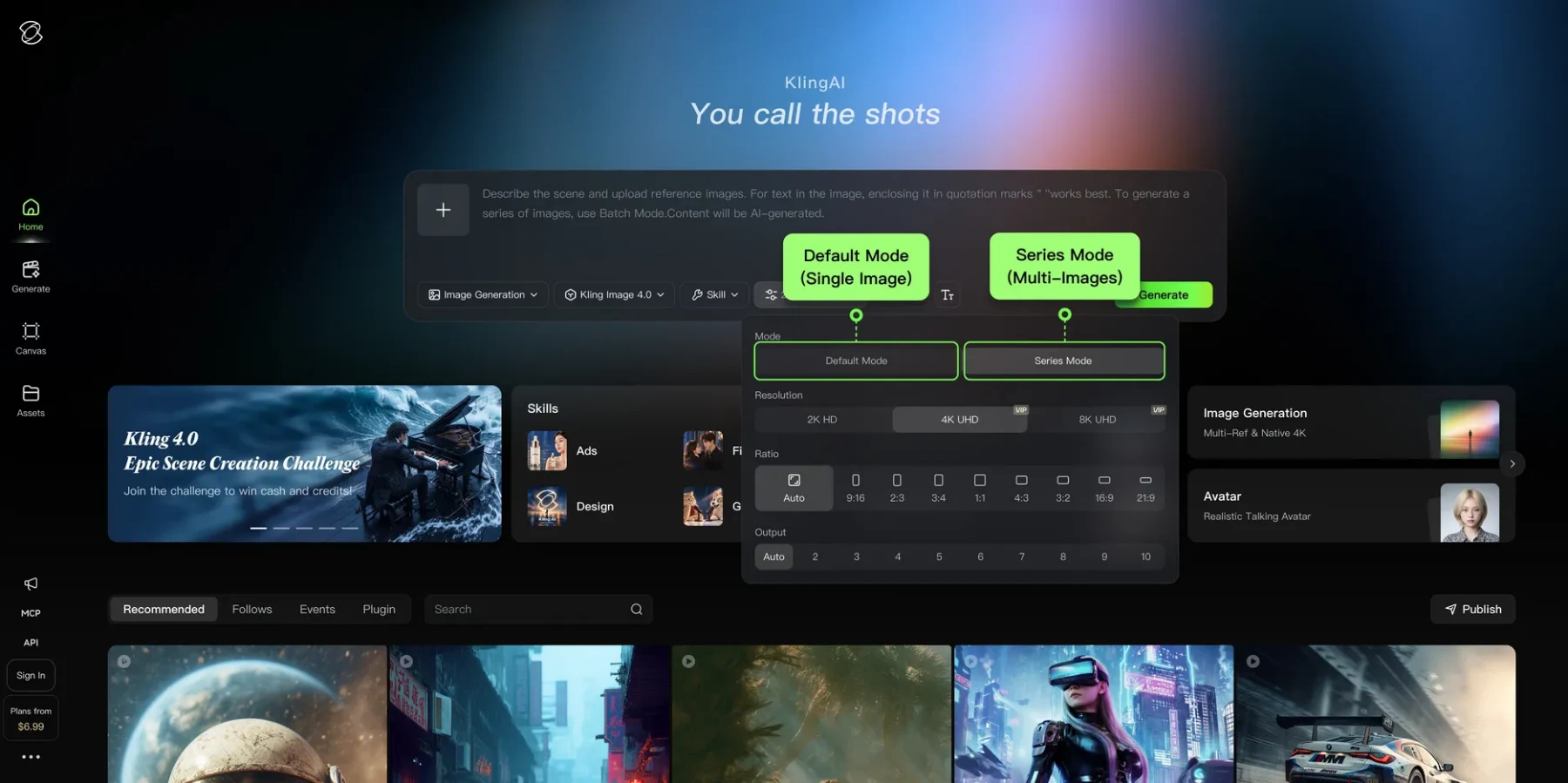
Default Mode generates images from a prompt, while Series Mode organizes several images as a connected set. You might show the same product from the front, the side and in close-up while keeping the lighting consistent. That is the consistency goal, rather than a guarantee that every tiny detail will be identical.
The guide also covers storyboards and long product-page images. A generated web-page visual is still an image; it is not automatically a functioning website with working buttons, forms and application code.
Longer text, but which languages?
Kling lists support for up to 2,000 characters in one image and more than 70 commercially licensed fonts. Its specification names Chinese, English, Japanese, Korean, Spanish and Portuguese for text generation. Indonesian is not currently included in that list.
For an Indonesian-language poster, treat spelling and line breaks as things to review manually. If a design will need frequent wording changes, leaving space and adding the text in a design editor can still be a practical choice.
How to start with the right mode
Open Image Generation in Kling, select Kling Image 4.0 and choose Default or Series Mode. Describe the subject, how the images should relate, the viewpoints and the details that must remain consistent. Use references you have permission to use, then compare the results across the set.
The official guide screenshot marks 4K and 8K with VIP badges. Do not assume the highest resolution is free; check your plan and credit usage before generating a large batch. A small initial set makes it easier to assess whether the consistency suits your project.