Analysis · Technology
LordOS Looks Like macOS, but Does It Really Need Just 400 MB of RAM?
LordOS combines a macOS-like desktop with low idle memory use. Here are its hardware requirements, app support, latest beta and options for trying it.
Event date: 2026-11-15
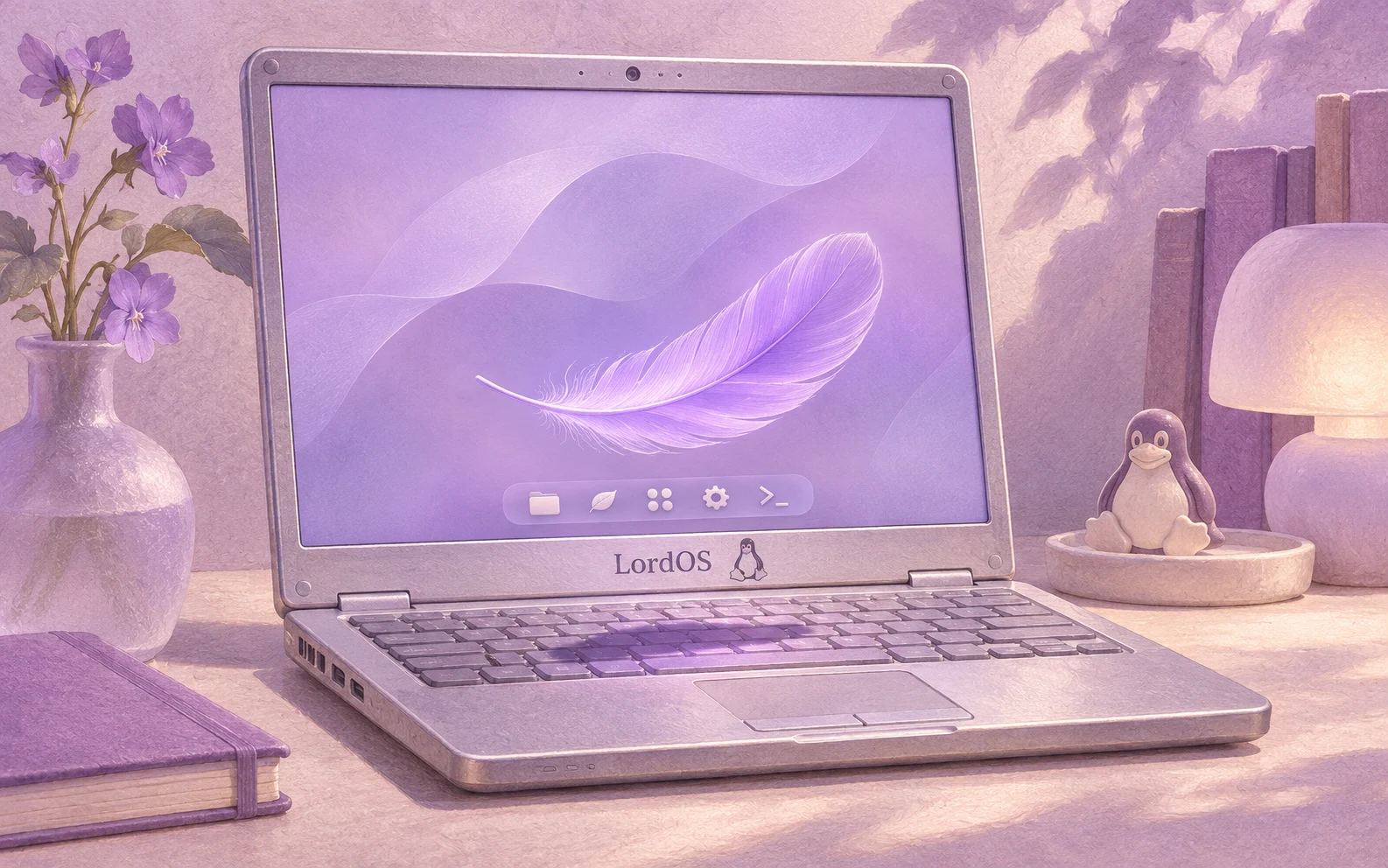
If you like the look of macOS but have an older laptop at home, LordOS might catch your eye. This Linux desktop has a Dock along the bottom, a menu bar at the top and familiar-looking windows. A Levelup iD video adds another reason to look closer: idle memory use in the 400 MB range.
There is more to explore than that memory figure. Let’s start with the desktop, look at the applications you can use, and then consider whether LordOS could give an older laptop something useful to do.
What is LordOS, and why does it look familiar?
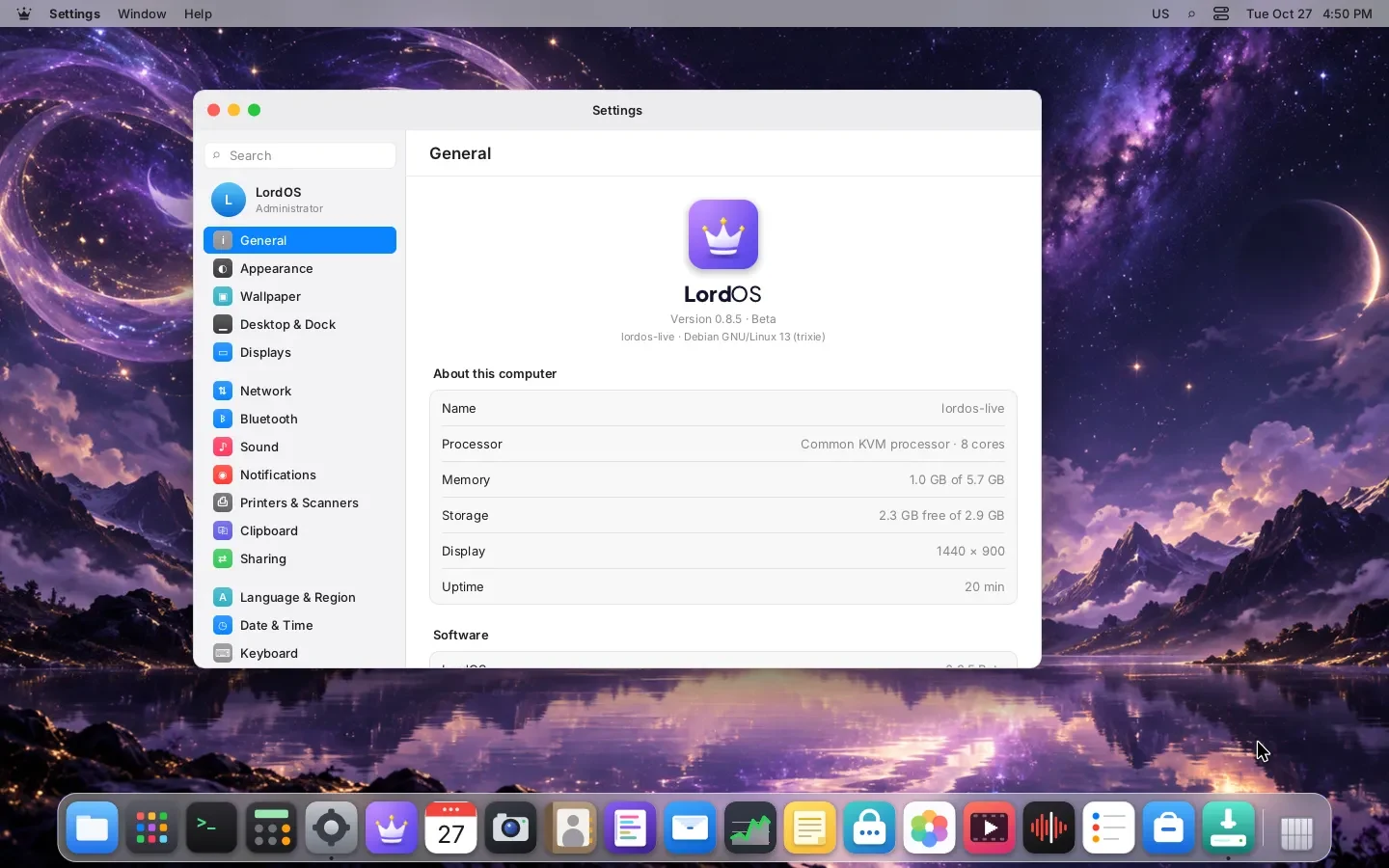
Take a look at the preview below. You can see a row of app icons in the Dock, application menus across the top and red, yellow and green window buttons on the left. Rounded window corners add to the familiar feel. Much of the resemblance to macOS comes from how these desktop elements are arranged.
Under that interface, LordOS is based on Debian 13. Its architecture documentation describes a custom desktop, including its window management. The interface uses React on QuickJS, with native C components drawing the screen. The layout may feel familiar, but the system underneath remains Linux.
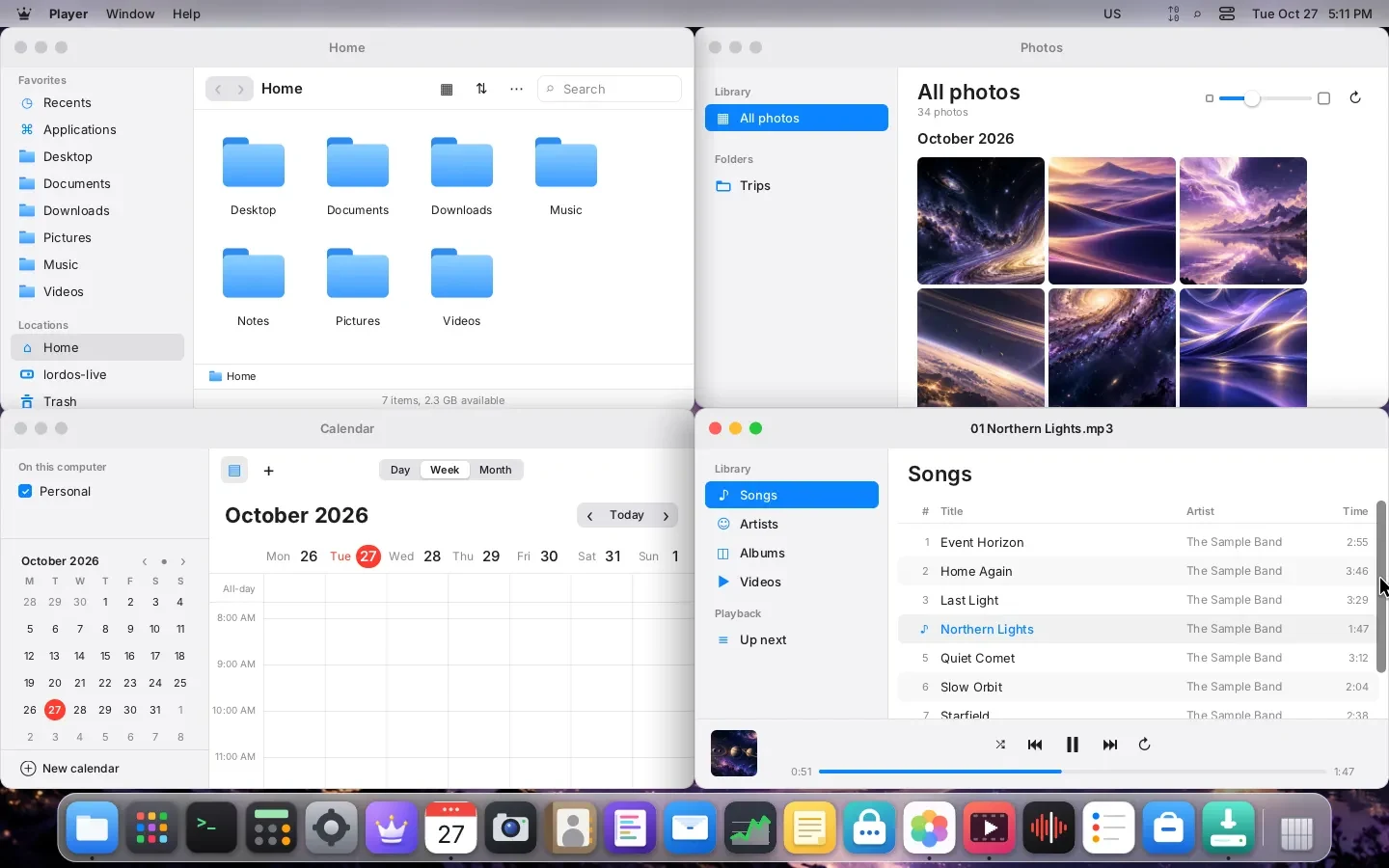
Open Files and that familiar layout continues: folders in a left sidebar, a spacious file area and view options in the toolbar. The official gallery lists icon, list, column and gallery views. If you know Finder, that arrangement may be easy to recognize.
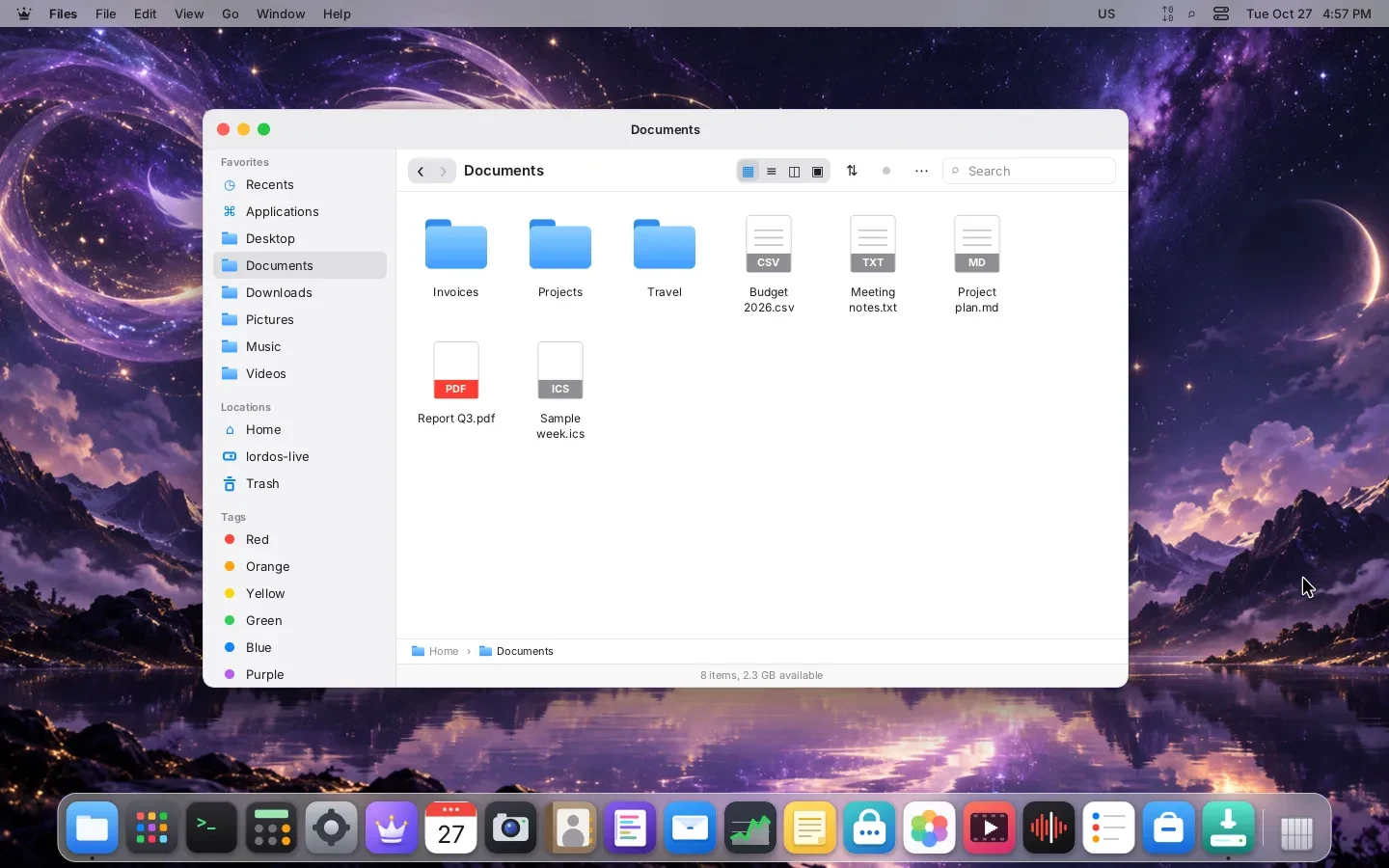
Then there is Settings, bringing network, display, sound and appearance controls into one window with categories on the left. Desktop style choices include Lord Flow and Lord Classic. The macOS-like impression comes from more than a wallpaper: the arrangement of menus and windows contributes to the overall visual experience.
400 MB idle usage is not the minimum RAM requirement
Now for the number that attracts attention: memory use. The video’s roughly 400 MB figure describes idle consumption, when the desktop is sitting there without demanding work underway. The official homepage displays 465 MB. The project’s notes describe 465–487 MB for the whole idle system in an ISO build 0.7.0 test on October 18, 2026.
Those are project measurements, rather than a guarantee for every laptop. Open a browser, join a video call or build up a collection of tabs, and memory requirements rise. For planning your hardware, use these official requirements:
| PC component | Official requirement |
|---|---|
| Processor | 64-bit Intel/AMD; no 32-bit edition |
| Memory | 4 GB minimum; 8 GB recommended |
| Storage | 8 GB minimum; 32 GB recommended |
| USB for the ISO | At least 2 GB |
What about everyday apps and games?
Once you reach the desktop, where do the apps come from? The Debian foundation means you can use Linux programs such as Firefox, Chromium and GTK/Qt applications. The LordOS documentation describes searching the Store and installing .deb packages or LordOS .lpk apps. If you prefer the Terminal, apt and dpkg remain available too.
Keep in mind that looking like macOS does not make Mac-only software compatible. Check for Linux versions or alternatives to your everyday tools. The documentation also distinguishes ordinary Linux applications, which do not receive the sandbox by default, from isolated .lpk apps.
There is something for gamers to look at as well. The 0.8.8.9-beta update adds Steam to the Store along with 32-bit libraries. Check the specific games you want to play: Proton compatibility, GPU requirements and anti-cheat support can vary from title to title.
What changed in the latest release?
When this article was prepared, the latest beta listed by the project was 0.8.8.9, released November 15, 2026. Changes include 35 complete interface languages, developer tools for web apps and fixes for Electron applications that could previously fail to open.
If you find an ISO labeled 0.8.8, there is an explanation. The latest update ships packages; ISO, OVA and Raspberry Pi images still use 0.8.8-beta. Once the system is installed, updates are available through Store → Updates.
Start with a live USB or virtual machine
If you are curious, start at the official website and follow its GitHub Releases links. Check the checksum and release signature. A live USB lets you explore the desktop and check hardware without immediately installing onto the internal drive.
A virtual machine is another option. The official OVA guide explains how to open a ready-made machine in VirtualBox or VMware. Set aside at least 4 CPUs and 4 GB of RAM for it, on top of what your main computer needs. This amd64 OVA is not for ARM computers.
One detail has moved forward since the video: the current documentation describes installing LordOS alongside another OS. It requires GPT, an EFI partition, UEFI boot and at least 8 GB of free space. Testing remains limited, so back up your files and read the installation choices carefully, especially any option that erases a disk.
Is it ready to become your main operating system?
For now, a live USB, virtual machine or spare computer is a sensible place to get acquainted. The official FAQ still says LordOS is not ready for general everyday use. Some areas, including physical printers and NVIDIA cards, remain untested in the project’s official reports; one successful device in a video does not cover every laptop.
The idea is still appealing: a tidy, familiar desktop with low idle memory use. Before relying on it for more serious work, check Wi-Fi, audio, sleep, external displays and your essential applications. That is how you can tell whether LordOS is simply interesting to look at or a useful fit for your everyday work.
Sources & references
- LordOS — official website and desktop gallery ↗lordos.org
- LordOS — custom desktop architecture ↗lordos.org
- LordOS — current system requirements ↗lordos.org
- LordOS — FAQ and beta status ↗lordos.org
- LordOS — Linux applications and Store ↗lordos.org
- LordOS 0.8.8.9-beta — release notes ↗github.com
- LordOS — OVA virtual machine guide ↗lordos.org
- LordOS — repository and memory measurement notes ↗github.com
- Levelup iD — LordOS video that prompted this research ↗www.youtube.com
- LordOS — Files, Settings and desktop style gallery ↗lordos.org