Analysis · Technology
Windows 11 Runs Natively on OnePlus Open. A Foldable Pocket PC?
Kevin Shroff has demonstrated native Windows 11 ARM64 on the OnePlus Open. Touch input works, but many features needed for everyday phone use remain unfinished.
Event date: 2026-11-02
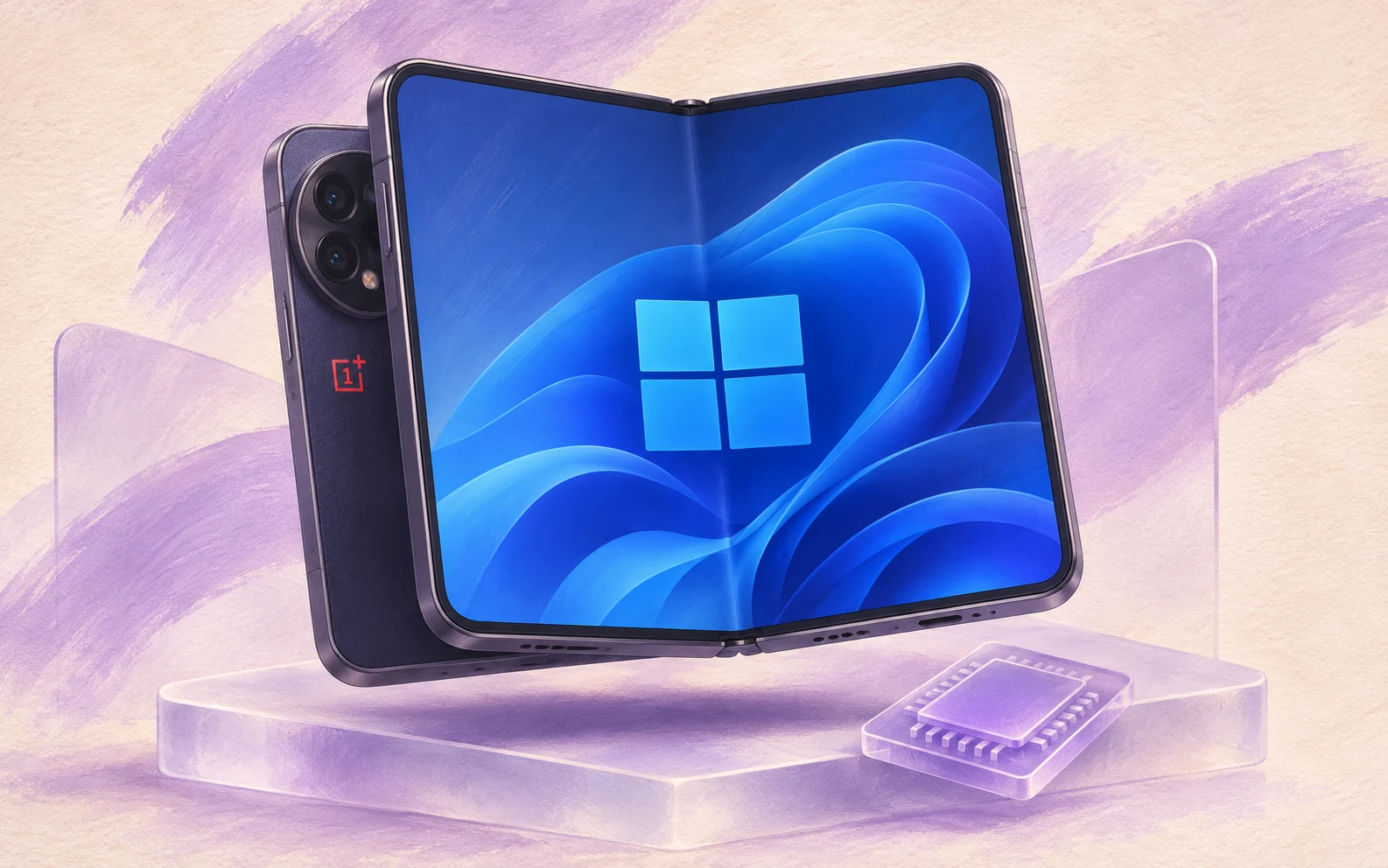
A foldable phone can already feel like a small tablet. But what if its inner display actually ran desktop Windows? Kevin Shroff has taken that idea to the OnePlus Open with an experimental Windows 11 ARM64 port running directly on the device.
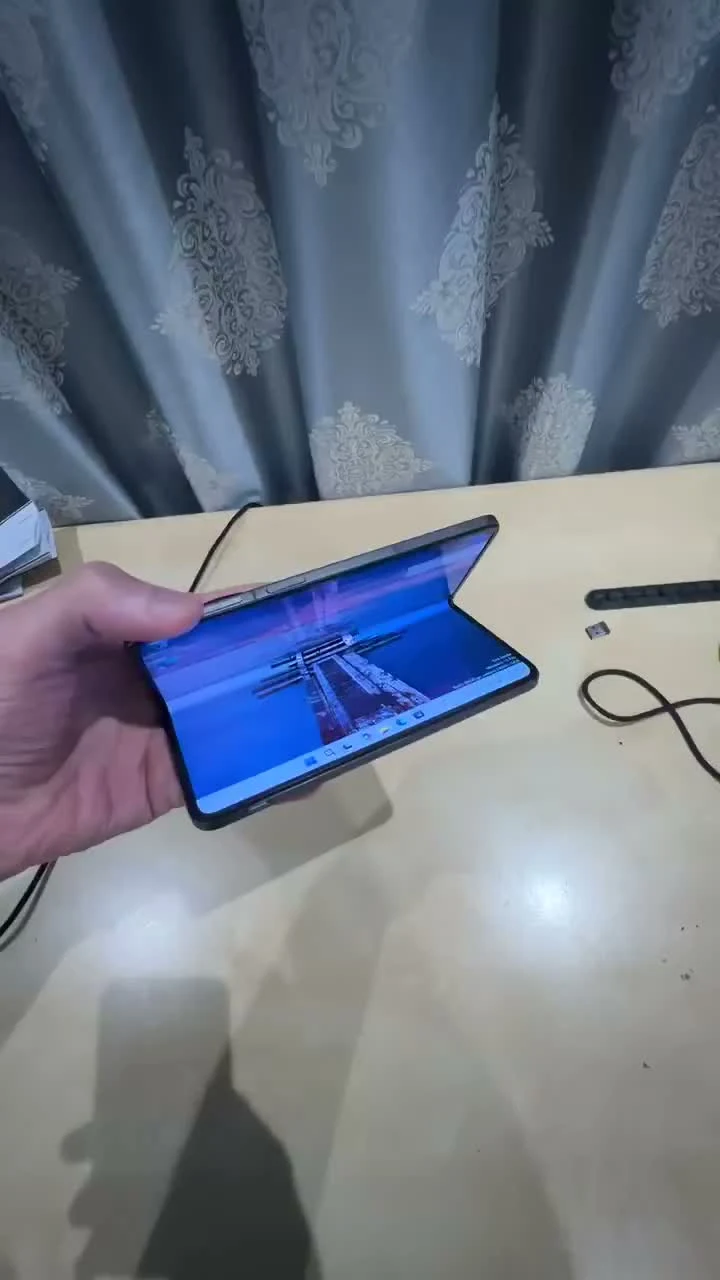
His Reddit demo, posted on November 2, 2026, shows Windows responding to touch. Although the project is receiving fresh coverage now, the demonstration itself appeared earlier. Shroff also said he had erased Android from this test device, leaving only Windows installed.
What does native mean here?
Windows is installed on the phone's internal storage and boots on the OnePlus Open hardware. The operating system is not running inside an Android virtual machine or being streamed from a separate PC through remote desktop. The phone itself is doing the work.
The OnePlus Open uses a Snapdragon 8 Gen 2, but sharing an Arm architecture does not make Windows a drop-in installation. The project needed device-specific UEFI boot firmware, ACPI hardware descriptions, platform integration and driver work so Windows could communicate with the phone's components.
The inner screen and touchscreen already work
The repository lists a working Windows desktop, booting from internal UFS storage, the inner display, native touch input and USB debugging among the demonstrated capabilities. In his post, Shroff reported access to the full 16 GB of RAM and all eight CPU cores, with the interface scaled to 300%.
Imagine a familiar desktop interface on something that folds into your pocket. That is the appeal of the form factor. Still, having memory and CPU cores available is different from completing performance benchmarks or proving that the device is reliable over extended use.
The unfinished parts matter for everyday phone use
When checked on November 18, the project's status still described GPU/WDDM acceleration and usable Wi-Fi networking as unfinished. The desktop currently uses framebuffer rendering. In the original demo, Wi-Fi could detect network names but could not connect, so recognizing a wireless adapter did not mean working internet access.
Audio, Bluetooth, cameras and cellular connectivity are also not working. Switching between the inner and cover screens when folding, battery reporting, normal charging and suspend/resume need further integration. That leaves a substantial gap between this demonstration and a Windows phone ready for daily life.
Native describes how the operating system runs, not a guarantee about every application. Microsoft notes that drivers must support Windows on Arm. Reaching the desktop does not establish that every game, application or accessory will work on this particular port.
Can you install it on your own OnePlus Open?
The public repository is available for research and contributions, but the developer describes it as a research source snapshot. There is no ready-to-flash installation bundle for general users. Success on this OnePlus Open also does not establish compatibility with every other Snapdragon phone.
For now, following the project on GitHub or watching the original demo is the most practical way to explore it. The experiment hints at an appealing foldable pocket computer, while showing how much work remains after the desktop first appears.
Sources & references
- Kevin Shroff — Windows 11 ARM64 on OnePlus Open project status ↗github.com
- Kevin Shroff — developer demo and explanations, November 2, 2026 ↗www.reddit.com
- Microsoft — Windows Arm-based PCs FAQ ↗support.microsoft.com
- WinPoin — Windows on OnePlus Open coverage reference ↗winpoin.com