News · Technology
Microsoft Pushes Local AI on Windows. Can Copilot Work Offline?
Microsoft’s Ignite 2026 announcements expand the Hybrid Intelligence story. GitHub Copilot has a preview, but local inference does not make every session offline.
Event date: 2026-11-17
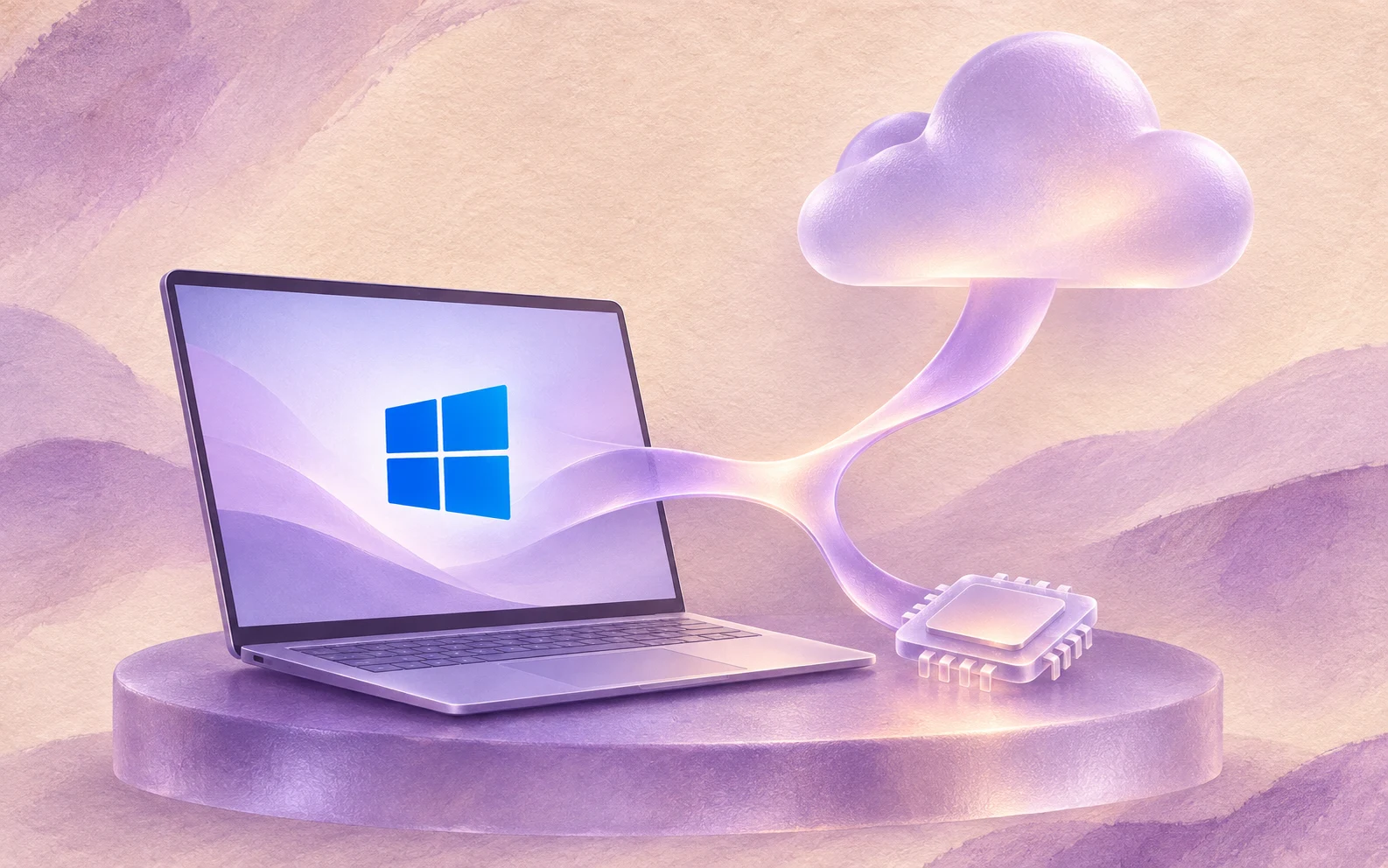
When AI gets more capable, it is easy to picture ever-larger cloud servers. At Ignite on November 17, 2026, Microsoft highlighted the other side of the equation: some AI work can run on your own PC. Its Hybrid Intelligence approach combines local and cloud computing according to the task.
What can you try, and what is still coming?
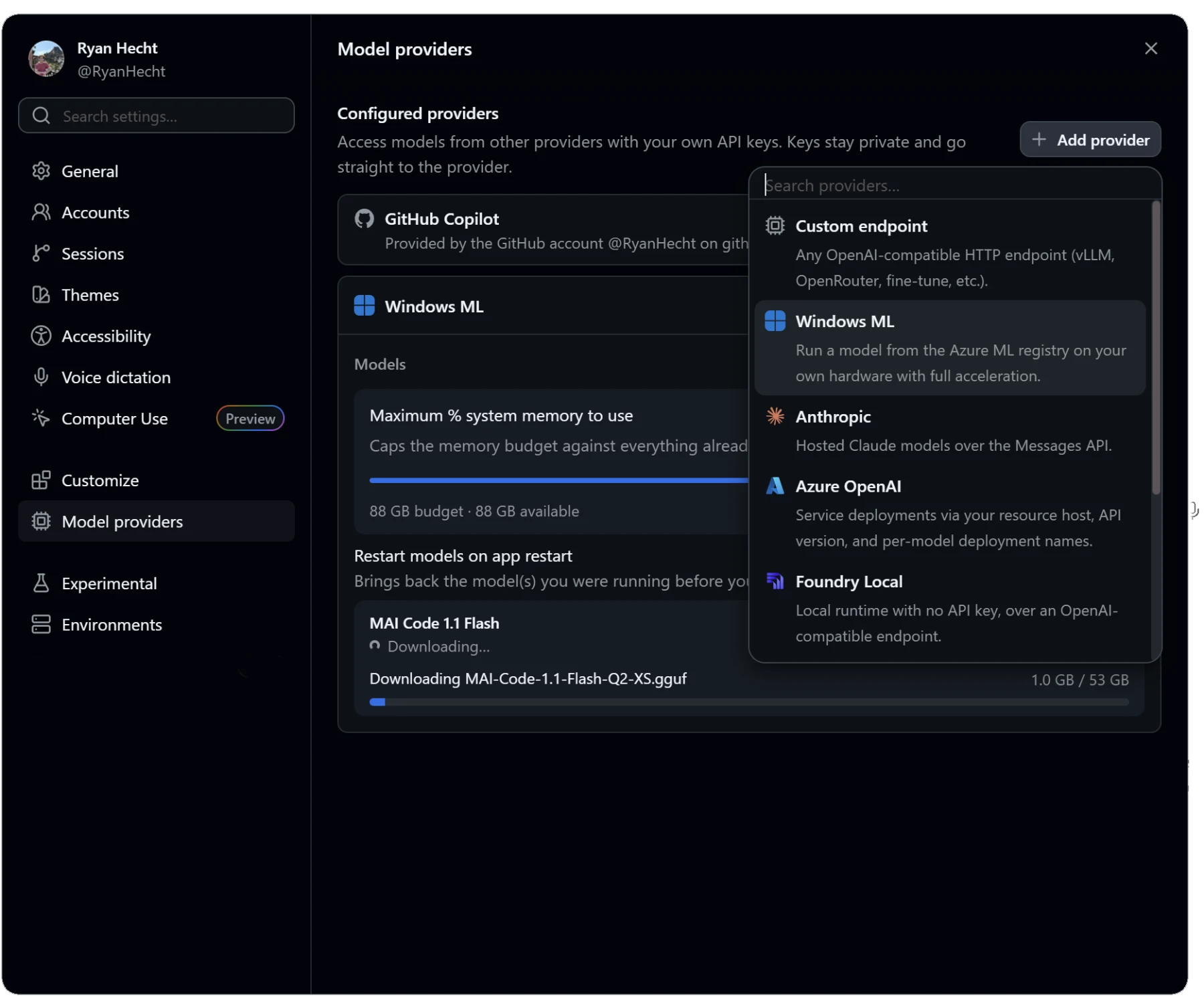
Microsoft says local-model support through GitHub Copilot is in preview in the Copilot app, CLI and VS Code. Its Ignite announcement highlights expansion to AMD Ryzen AI Max and Ryzen AI Max 400 processors. Local context, actions and models for Copilot on Copilot+ PCs, meanwhile, are described as coming soon. These are different availability stages.
The timeline matters: GitHub’s experimental local-model routing preview started on October 28. Ignite adds context and expansion to that direction; it does not mark the beginning of every local AI feature on Windows.
Think of hybrid AI as two workbenches
One workbench is on your PC, and the other is in the cloud. Work can be assigned to a suitable model instead of always using the same one. The useful question is less about picking the largest model and more about whether the result is good enough for the job.
GitHub’s documentation places local-model selection in Fusion Standard and requires experimental features to be enabled. Supported models and sufficient device resources still matter. This is not a promise that every Windows laptop can immediately run the same model.
Does a local model make Copilot offline?
Not automatically. GitHub explicitly says Fusion still makes routing decisions in the cloud. Running inference locally therefore does not make the entire session work offline. The location of model computation and the network requirements of the surrounding workflow are separate questions.
It is also too early to assume that every piece of data stays on the device. Check the workflow documentation, your organization’s policies and the selected model. “Local” describes where some processing happens, rather than offering a blanket guarantee about the whole system.
What to check before joining the preview
Start with your actual goal: reducing reliance on cloud inference, exploring a particular model, or finding a more efficient coding workflow. Then compare that goal with officially supported hardware and preview settings. A keynote announcement alone is not a good reason to rush into replacing a laptop.
Efficiency needs to be measured against real work: completion time, output quality, memory use and total cost. Microsoft’s direction is interesting because the PC gets a bigger role in AI again. For now, keep the preview available to experiment with separate from everyday Copilot capabilities still waiting to arrive.
Sources & references
- Microsoft — Windows at Ignite 2026 (17 November) ↗blogs.windows.com
- GitHub — local-model routing experimental preview (28 October) ↗github.blog
- GitHub Docs — Copilot Fusion and local models ↗docs.github.com