
Sign in and activate access
Sign in to Selzenn and choose QRIS in IDR or Dodo in USD. The local prototype uses clearly marked simulated payments.
Get accessMemuat halaman
This is the Windows prototype guide. Selzenn login activates the app license; YouTube login provides video access.
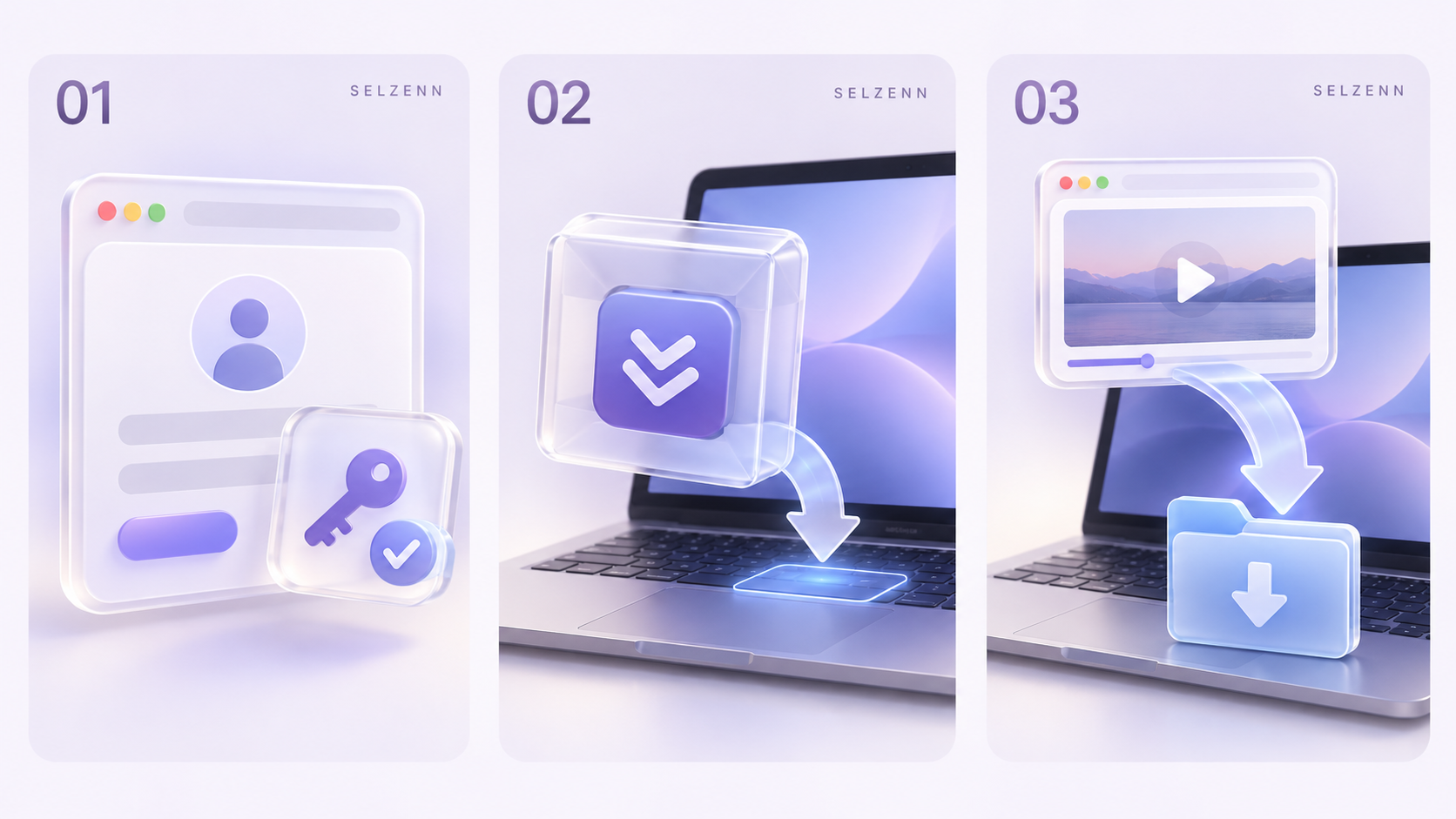
Sign in to Selzenn and choose QRIS in IDR or Dodo in USD. The local prototype uses clearly marked simulated payments.
Get accessAfter payment, download the package from your account. Extract the ZIP and click Buka Selzenn.vbs. First setup prepares the tools automatically, without Python or manual commands.
My accountExport YouTube cookies with Get cookies.txt LOCALLY, choose the file in the local dashboard, paste a link, then Check access and Download.